Payment reports and dashboards
Overview
Where does my money stand? Three places in Kyvento answer that question — this article says which one is responsible for which question.
Dashboard: the quick look
The dashboard summarizes open receivables and the revenue trend. What the individual metrics mean and how they are calculated is described in Dashboard overview: your key metrics.
Payment list: what the payment provider did
Under "Finances" → "Payments" you find every single transaction — successful and failed ones, plus refunds and chargebacks. You can filter by status, gateway and period.
This list is the right starting point when you want to clarify a specific case with your payment service provider: the detail view of a payment shows the provider's reference and the error message verbatim — exactly the details their support will ask for.
Open items: what still has to come in
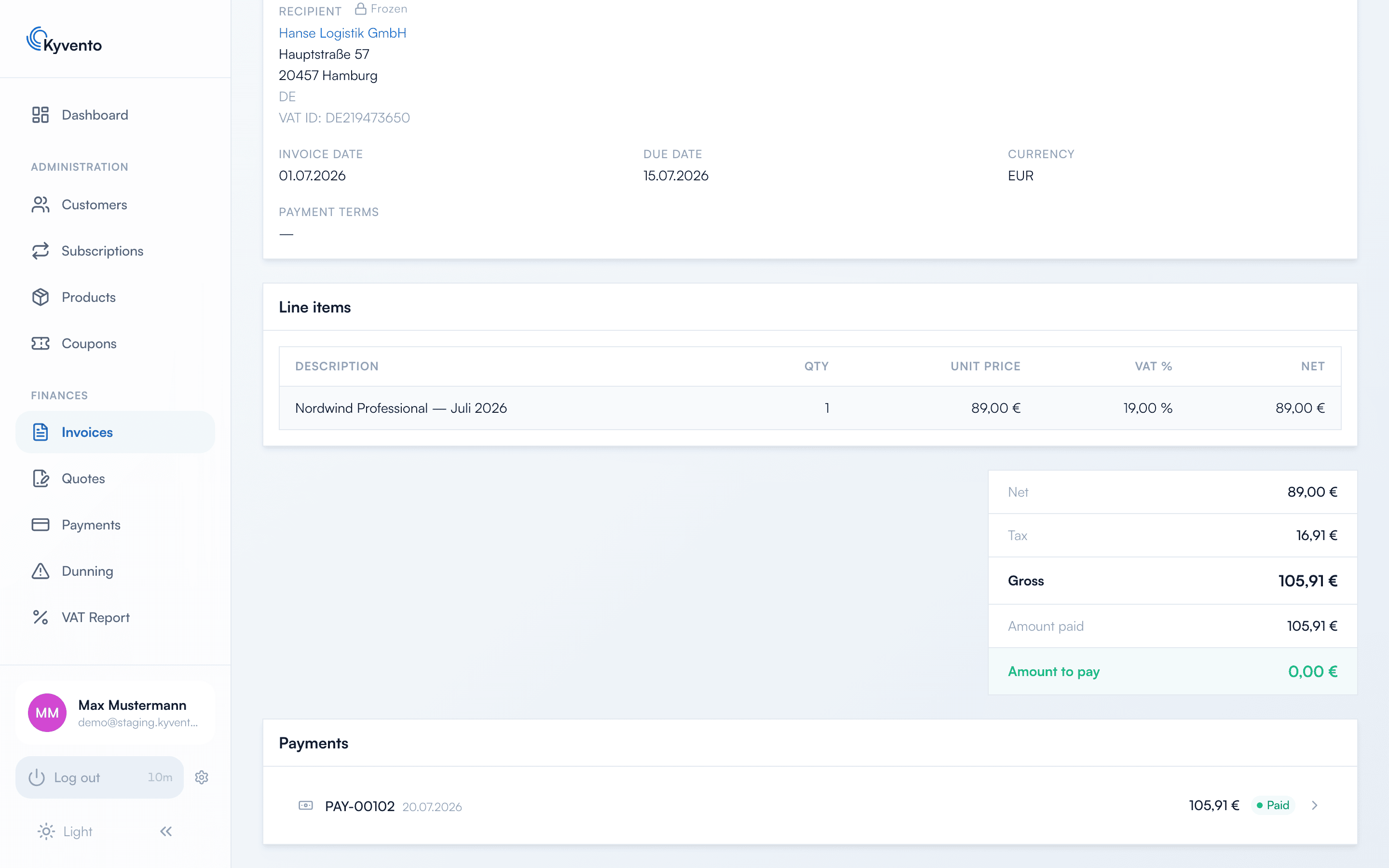
Your open-items overview is the invoice list with its status filter: "Open" for everything not yet settled, "Past Due" for the critical portion. Partially paid invoices run under "Open" — the amount already received is shown on the invoice itself.
The difference from the payment list matters: the payment list shows money movements, the invoice list shows receivables. A bank transfer only becomes a money movement once somebody records it — see Recording payments manually.
Analyses outside the interface
Both lists can be exported as CSV, and the DATEV export is available for accounting — see Downloading invoices (PDF).
Next steps
- Metrics in detail — see Dashboard overview: your key metrics
- Handover to accounting — see Setting up the DATEV export