Charging VAT correctly
Overview
Domestic, EU B2B, EU B2C or third country — Kyvento determines the tax rate and the statutory invoice note automatically from your tax configuration, the customer data and the tax details on the product. This article explains the logic behind it, so you can make sense of a result you did not expect.
The basis: your tax configuration
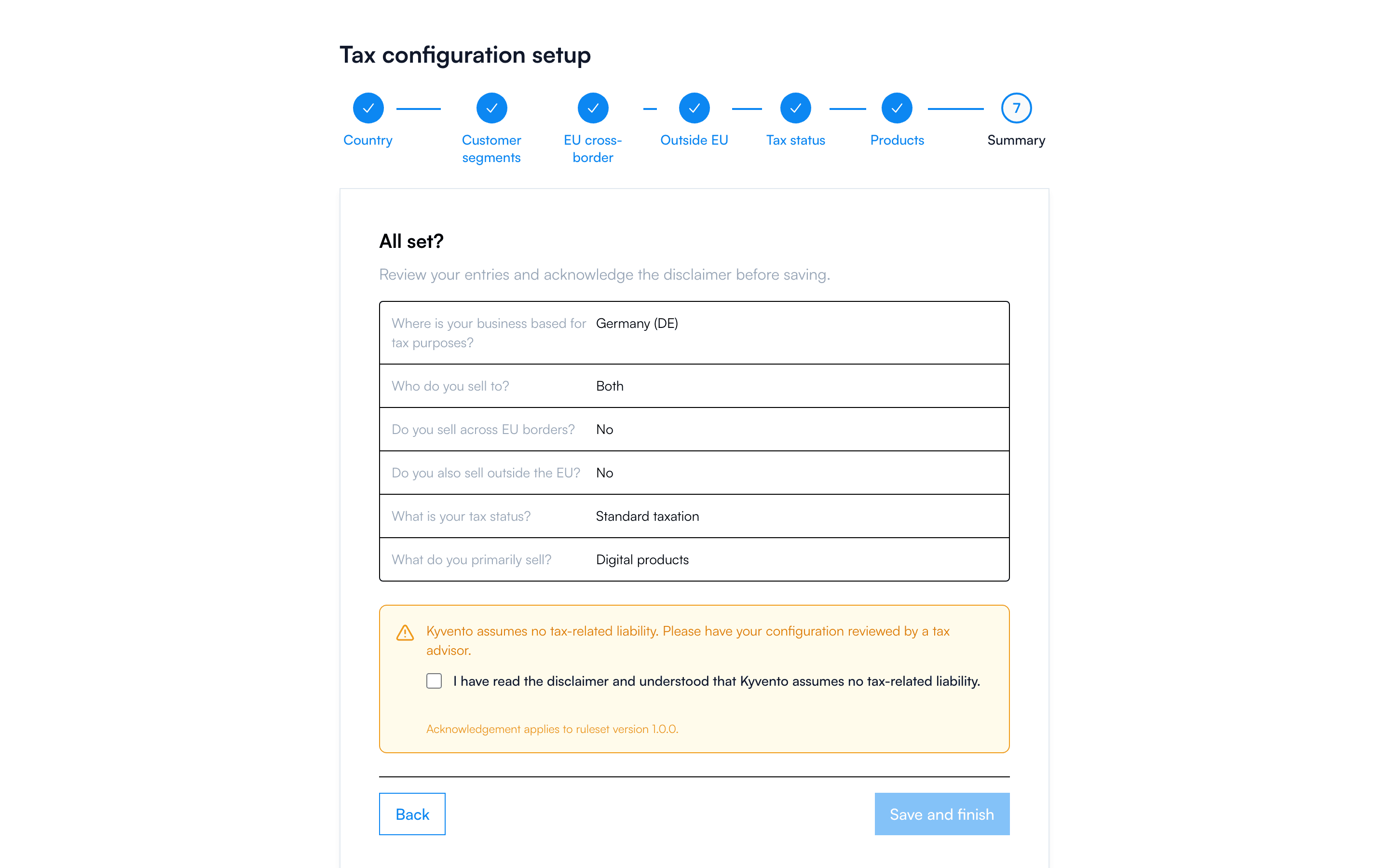
The foundation is the tax wizard under "Settings" → "Tax rules": country of establishment, customer segments, EU and third-country sales, tax status. If a mandatory tax detail is missing — on your account, on the customer or on the product — Kyvento aborts invoice creation and names the missing field. Better no invoice than a wrong one.
How Kyvento decides per invoice
For every invoice, checks run in a fixed order — the first match wins:
- Small business scheme (§ 19 UStG)? → all invoices without VAT, with the mandatory note
- Third country? → 0 % (export or non-taxable service), with a note
- Tax-exempt product category (§ 4)? → 0 % with the reason for exemption
- Special cases — such as Monaco, Northern Ireland or Switzerland
- EU B2B, physical supply → intra-Community supply (§ 6a), 0 %
- EU B2B, service or digital → reverse charge (§ 13b), 0 % with a note
- EU B2C (or B2B without a verified VAT ID) → OSS at the destination country's rate, but only under the conditions in the next section
- Otherwise → the standard rate of your country of establishment
That points 5 and 6 split apart is the most common source of surprise: whether an EU business customer receives an intra-Community supply or a reverse-charge transaction is decided by the type of supply on the product — see Creating your first plans.
The matching mandatory note is frozen immutably into the invoice on finalization. Later text changes only affect new documents.
When OSS applies — and when it does not
The destination country's rate applies to private customers in the EU only if the small-turnover exemption does not cover you. That is the case in three situations:
- The EU-wide threshold of €10,000 (§ 3c UStG) was exceeded in the previous or the current year — Kyvento calculates that itself.
- You have switched on "Waiver of the small-turnover exemption declared" in the tax rules. The waiver is a separate declaration to the tax office and binds you for two calendar years; it applies from the year you state when switching it on.
- Besides your seat, you have a fixed establishment in another EU member state. Then the small-turnover exemption is not available to you at all, and the destination country's rate applies from the first euro. Kyvento can only take this into account if it knows about the establishment — it currently cannot be recorded yourself in the tax rules. In that case, contact support before your first invoice to another EU country, see Contacting support.
An OSS registration alone is not enough. The "Voluntary OSS registration" option only states that you take part in the reporting procedure; as long as none of the three situations applies, Kyvento keeps billing at the rate of your country of establishment. In addition, the supply has to be taxable in the destination country at all — for general services under § 3a (1) UStG it is not.
The customer's VAT ID
Reverse charge and intra-Community supply require a verified customer VAT ID. Kyvento checks in two stages: first the format, then the ID live against VIES, the EU confirmation procedure. The check runs after every change to the customer and regularly in the background; a result is kept for about a month.
While the confirmation is pending or fails, Kyvento bills as B2C to be safe — the customer is then charged VAT even though they are a business. That is not a bug but the cautious variant.
Two things are worth knowing about this:
- The VIES query corresponds to the simple confirmation request. For zero-rated intra-Community supplies and reverse charge, a qualified confirmation from your tax authority is additionally recommended — in Germany from the Federal Central Tax Office. You can record the resulting consultation number on the customer; Kyvento then keeps it with the document as tax evidence and gives it precedence over the VIES confirmation.
- Kyvento only checks the format of your own VAT ID — it is printed on the document but not verified with an authority. You are responsible for its correctness.
Manual invoices
An invoice you create by hand also determines its tax by this logic. When you save, Kyvento compares the tax rate you enter per item with the determined rate. If it differs, Kyvento flags the item with "Tax rate differs": you then either apply the determined rate with one click, or keep yours and enter a "Reason for the tax deviation", which is recorded on the document. The field for the reason only appears together with this message.
Items without a product also offer a "VAT category". If you leave it on "Derive automatically", Kyvento determines the category itself from the customer and the service. You need your own choice, for example, for a service exempt under § 4 UStG. For items with a product, the product decides; under the small business scheme the choice does not appear.
The small business scheme in detail
With the small business tax status, all outgoing invoices show 0 % — with the note "Pursuant to § 19 UStG (German Small Business Rule), no VAT is charged." If you later switch to standard taxation, Kyvento actively points you to the invoices issued without tax from the cut-off date onwards — that notice stays until you have corrected or acknowledged the documents concerned.
Next steps
- The mandatory tax details on the product — see Creating your first plans
- Adjust the note texts — see Invoice texts and languages