Setting dunning deadlines
Overview
When an invoice becomes overdue and how quickly the dunning levels follow one another is controlled by two levers: the payment terms of the invoice and the waiting times per dunning level. This article explains both and how they interact.
First lever: the payment terms
The payment terms determine the due date – only afterwards does dunning begin at all. Kyvento resolves them in this order, each step overriding the one below:
- the payment terms on the invoice itself
- otherwise the payment terms of the customer
- otherwise the account's "Default payment terms (days)" (Settings → Account, "Invoicing" card)
- otherwise the system value of 14 days
One exception overrides all four: if customer credit is offset against an invoice, it is due immediately. Such invoices therefore run into overdue status without any buffer if a remainder stays open – why it has to be that way is explained in Payment terms and due dates.
Second lever: deadlines per dunning level
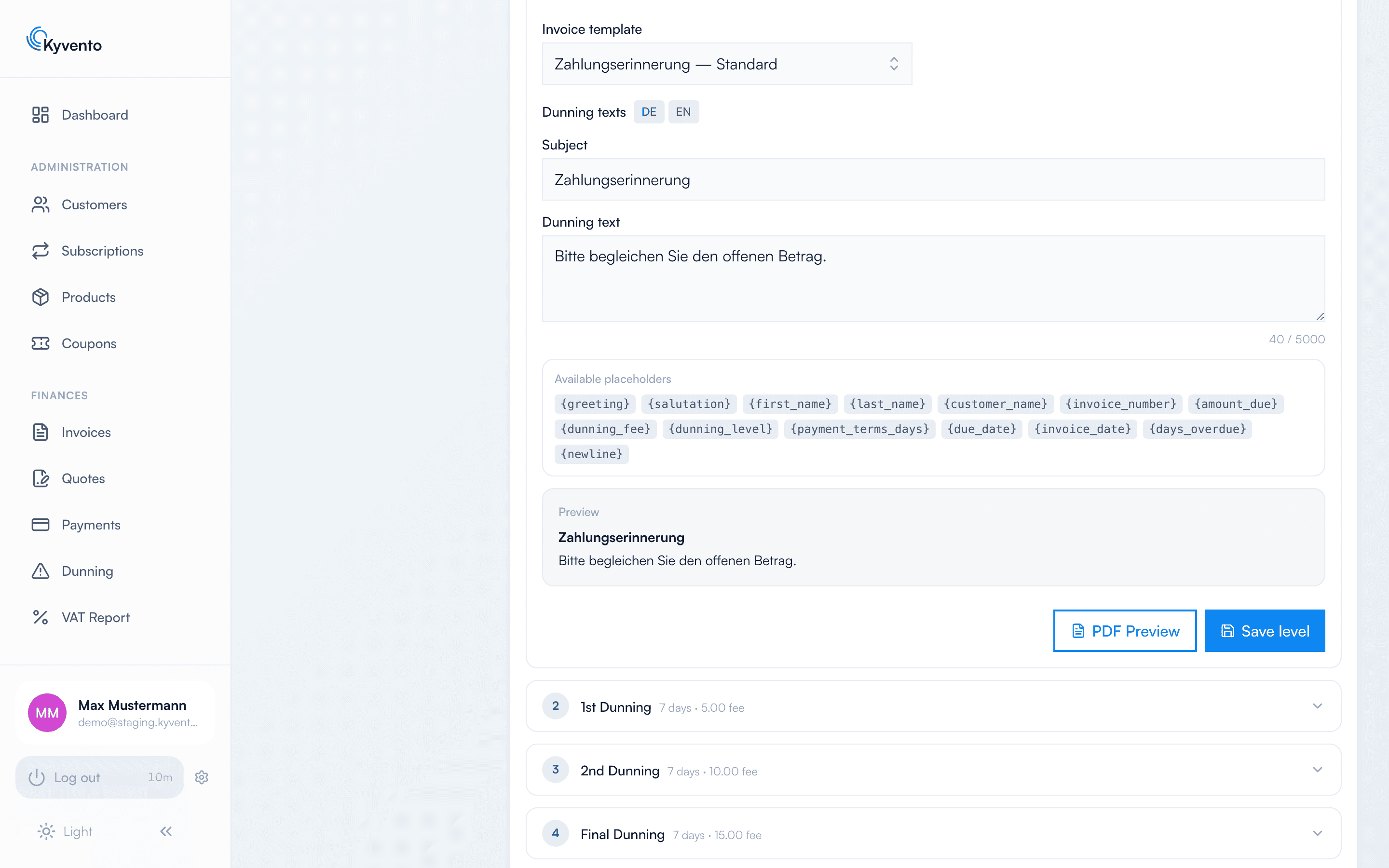
Every dunning level (Settings → "Dunning" → expand the level) holds two values that are easily confused:
- "Days after previous level" is the waiting time until Kyvento triggers the level.
- "Payment terms (days)" is the deadline the dunning letter sets for the customer. It only takes effect in the text, not in the dunning run.
The default staggering: payment reminder 7 days after the due date, 1st and 2nd dunning 7 days later each, final dunning after a further 14 days.
How Kyvento applies the deadlines
- Daily rhythm: At night, Kyvento marks overdue invoices (due date passed in your account time zone); shortly afterwards the dunning run executes. Dunning notices are created once a day, not to the minute.
- Counted cumulatively: What counts is the sum of the waiting times up to the next level, measured from the due date.
- Always just one level further: Per run, an invoice escalates by at most one level, and no level is skipped. An invoice that has been overdue for a long time – because you enabled dunning retroactively, for instance – therefore starts at the first level and catches up on the following days. Your customers never receive several dunning notices for the same invoice on one day.
- After a dunning hold the deadline restarts: When you resume a paused case, the next level does not become due immediately even though the invoice has been overdue just as long. That level's waiting time runs again from the moment you resume – otherwise the re-delivered notice would have had no period in which to take effect.
The exception for SEPA first direct debits
A SEPA direct debit takes one to three banking days to clear. An invoice with a SEPA first debit still in progress is therefore neither marked overdue nor dunned for a while – the default is 14 days, adjustable in the dunning settings. Too low a value lets a dunning notice fall into the ongoing bank settlement; too high a value hides a permanently stuck payment for too long.
Recommendations
- Align the payment terms and the first dunning deadline: 14 days of payment terms plus 7 days until the reminder gives bank transfers and bank processing times enough buffer.
- Take your own response time into account: between the final dunning notice and further steps there should be enough time for a manual review.
Next steps
- Payment terms in detail – see Payment terms and due dates
- Set fees per level – see Charging dunning fees